How to Set Up Opus 5.5 for AI Reel Editing (Mac & Windows)
Pawan Joshee··8 min read
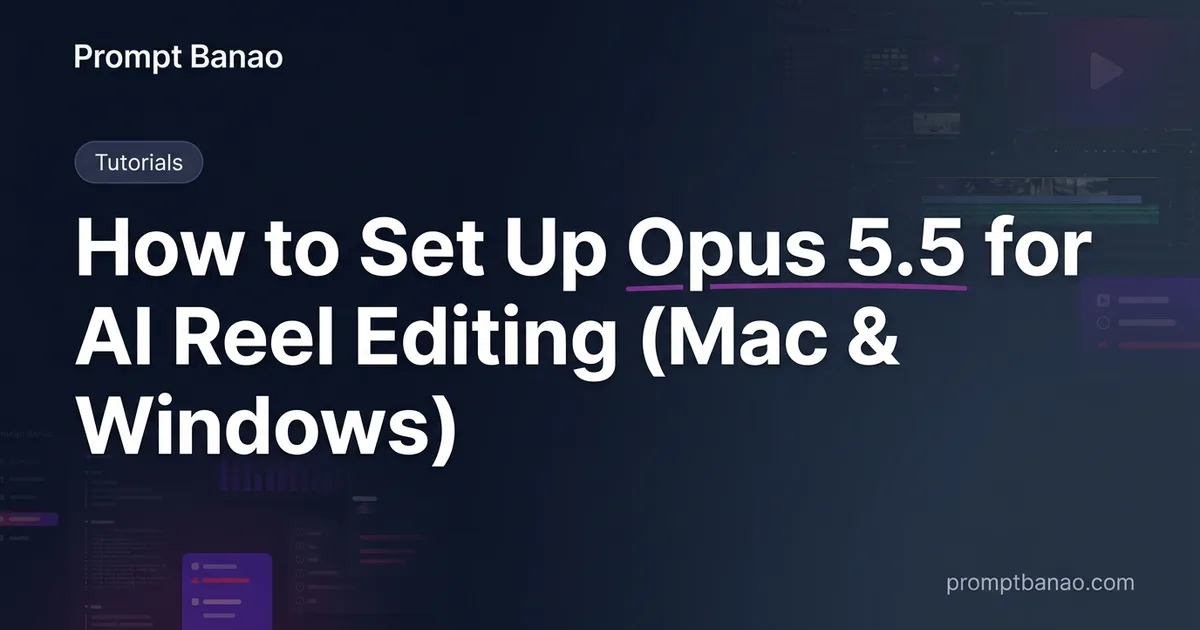
If you are wondering "Reel edit ke liye kaunsa software chahiye?" to create professional short-form content, the answer has evolved beyond traditional timeline-based video editors. Today, the most efficient way to produce high-volume, automated reels, shorts, and TikToks is through programmatic AI video editing. By combining React-based video rendering with local speech-to-text engines and agentic AI coding assistants, you can generate fully edited reels with synchronized captions and audio in seconds.
In this guide, we will walk you through setting up the ultimate developer-creator stack on both macOS and Windows. We will install Node.js, configure Remotion for video composition, set up FFmpeg for rendering, deploy Python with faster-whisper for local transcription, and orchestrate the entire pipeline using Claude Code powered by Anthropic's latest Claude Opus 5.5 model. We'll also cover VLC for quick previewing and CapCut for final stylistic polishes.
The Modern AI Reel Editing Stack
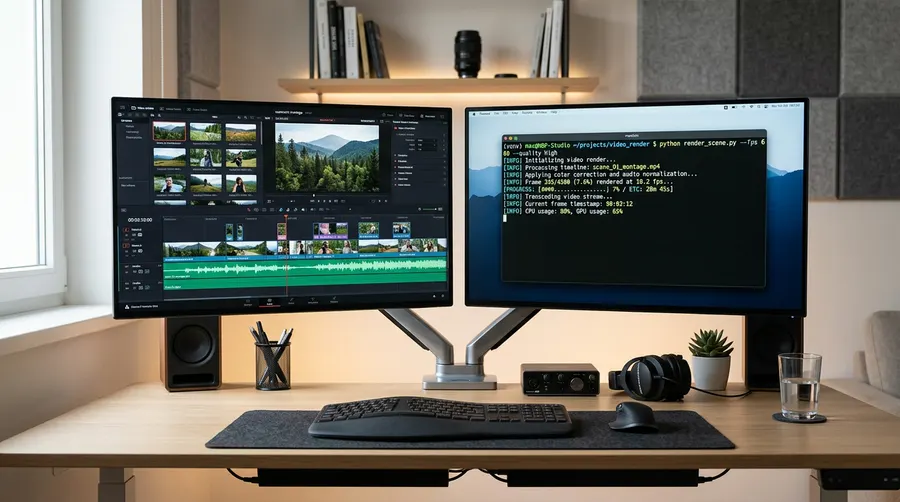
Before diving into the command line, let's understand why this specific stack is the gold standard for automated video creation. Instead of dragging and dropping clips manually, we use code to define layout, animations, and typography, while AI handles the heavy lifting of scripting, cutting, and captioning.
- Claude Code (powered by Claude Opus 5.5): Released in late 2026, Opus 5.5 is Anthropic's most efficient model for agentic coding, costing 40% less and running 30% faster than its predecessor. It acts as the "brain" that writes your Remotion code and coordinates scripts.
- Node.js & Remotion: Remotion allows you to write videos programmatically using React, HTML, and CSS. It gives you pixel-perfect control over text transitions, progress bars, and layouts.
- FFmpeg: The industry-standard command-line tool for handling video, audio, and other multimedia files. Remotion relies on it to stitch frames into high-quality MP4s.
- Python & Faster-Whisper: A highly optimized reimplementation of OpenAI's Whisper model that transcribes audio locally on your CPU/GPU with incredible speed. This generates the timestamped JSON files needed for auto-captions.
- VLC Media Player: Essential for fast, uncompressed local playback of rendered clips.
- CapCut (Optional): While the bulk of the structural editing is automated, CapCut remains excellent for quickly applying trendy mobile filters, sound effects, or stickers as a final manual touch.
Step 1: Installing Node.js & Setting Up Remotion
Remotion requires Node.js to run. We will install Node.js and initialize a new Remotion project.
First, download and install Node.js (LTS version is recommended) from the official website. Verify your installation by running:
node -v
npm -v
Once Node.js is ready, navigate to your desired directory and create a new Remotion project using the default template:
npx create-video@latest my-reel-project
During the setup, choose the "blank" or "recommended" template. Navigate into your new project directory:
cd my-reel-project
To run the local Remotion Preview player (which lets you watch your video update in real-time as you write code), use:
npm start
Step 2: Installing FFmpeg (Mac & Windows)
FFmpeg is required by Remotion to compile and render your React compositions into MP4 videos. While Remotion can download a temporary copy automatically, installing it globally on your system prevents path issues and allows you to run independent compression commands.
On macOS (using Homebrew)
If you don't have Homebrew, install it first, then run:
brew install ffmpeg
On Windows (using PowerShell)
Open PowerShell as an Administrator and run the following command to install FFmpeg via Windows Package Manager:
winget install Gyan.FFmpeg
Alternatively, you can instruct Remotion to install and configure FFmpeg locally within your project by running:
npx remotion install ffmpeg
Verify that FFmpeg is successfully installed and accessible in your environment:
ffmpeg -version
Step 3: Local Transcription with Python & Faster-Whisper
To create dynamic, word-by-word captions for your reels, you need to transcribe your audio. We use Python and faster-whisper because it is up to 4x faster than standard Whisper on CPU.
Note: ctranslate2 (the engine behind faster-whisper) is most stable on Python 3.12. Avoid Python 3.13 for this setup to prevent wheel compilation errors.
First, create a virtual environment in your project directory:
# Create environment
python3.12 -m venv venv

# Activate on Mac/Linux
source venv/bin/activate

# Activate on Windows (PowerShell)
.\\venv\\Scripts\\Activate.ps1
Next, install faster-whisper and its dependencies:
pip install --upgrade pip
pip install faster-whisper
Create a script named transcribe.py in your project root to handle speech-to-text:
import json
from faster_whisper import WhisperModel

# Initialize model (use 'tiny' or 'base' for fast CPU transcription)
model = WhisperModel("base", device="cpu", compute_type="int8")

# Transcribe audio file
segments, info = model.transcribe("public/audio.mp3", word_timestamps=True)

words_list = []
for segment in segments:
    for word in segment.words:
        words_list.append({
            "word": word.word.strip(),
            "start": round(word.start, 2),
            "end": round(word.end, 2)
        })

# Save timestamps for Remotion to read
with open("public/captions.json", "w", encoding="utf-8") as f:
    json.dump(words_list, f, indent=2, ensure_ascii=False)

print("Transcription completed! Captions saved to public/captions.json")
Step 4: Installing Claude Code (Orchestrated by Opus 5.5)
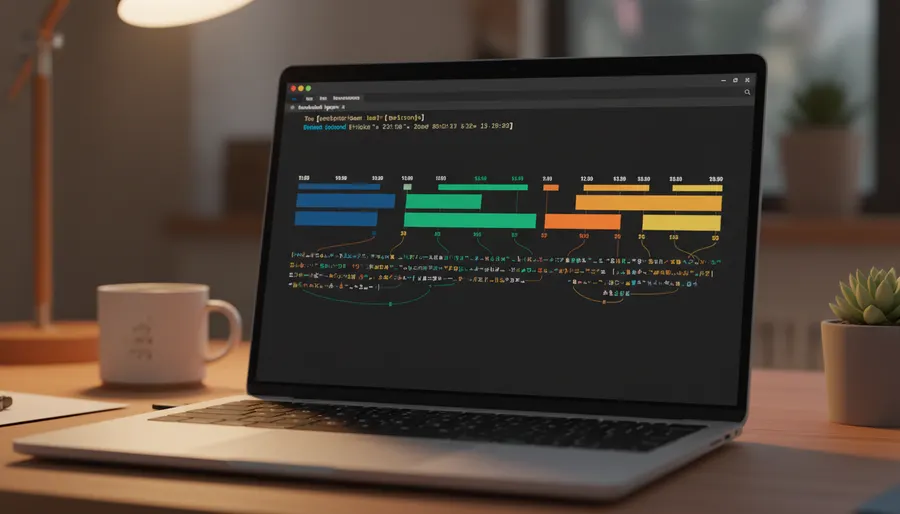
Instead of manually writing React code for every transition, we will use Claude Code—Anthropic's terminal-based agentic coding assistant. Since the release of Claude Opus 5.5, the model can navigate your project directory, read your caption files, write complex Remotion components, and trigger renders directly.
Installing Claude Code Globally
To install Claude Code, run the official installation command for your operating system:
macOS / Linux / WSL:
curl -fsSL https://claude.ai/install.sh | bash
Windows (PowerShell):
irm https://claude.ai/install.ps1 | iex
Windows (CMD):
curl -fsSL https://claude.ai/install.cmd -o install.cmd && install.cmd && del install.cmd
Once installed, restart your terminal and verify the installation:
claude --version
Initializing and Authenticating
Run the claude command in your project directory:
claude
Follow the on-screen prompts to log in via your Anthropic account (Pro, Max, Team, or Enterprise). Once authenticated, select the Claude Opus 5.5 model from the settings or chat menu to leverage its superior reasoning and coding efficiency.
Step 5: Project Folder Structure & First Test Command
For your automated reel editing pipeline to work seamlessly, organize your files as follows:
my-reel-project/
├── node_modules/
├── public/
│   ├── audio.mp3          # Your voiceover audio
│   ├── background.mp4     # Background gameplay or loop video
│   └── captions.json      # Generated by transcribe.py
├── src/
│   ├── Root.tsx           # Remotion entry point
│   ├── ReelComposition.tsx # Video layout and subtitle rendering
│   └── index.ts
├── transcribe.py          # Python transcription script
├── package.json
├── remotion.config.ts     # Remotion configurations
└── venv/                  # Python virtual environment
First Test Command
Now, open Claude Code in your terminal by running claude and issue this prompt to let Opus 5.5 build your reel structure:
Read the word timestamps in public/captions.json and create a React component in src/ReelComposition.tsx. It should overlay a background video from public/background.mp4, play public/audio.mp3, and render dynamic, word-by-word captions in the center of the screen with a modern yellow-and-white font style.
Claude Code will automatically write the React code, register the composition in src/Root.tsx, and run npm start so you can preview the reel in your browser.
To render the final MP4 video, run:
npx remotion render ReelComposition out.mp4
Common Errors & How to Fix Them
| Error Message / Issue | Root Cause | Solution |
|---|---|---|
FFmpeg not found or spawn ffmpeg ENOENT | FFmpeg is not installed or not added to your system's PATH variable. | Run npx remotion install ffmpeg to let Remotion download a local, configured binary. |
ModuleNotFoundError: No module named 'faster_whisper' | Python dependencies were installed outside the active virtual environment. | Ensure you run source venv/bin/activate (Mac) or .\\venv\\Scripts\\Activate.ps1 (Windows) before running pip install. |
ctranslate2 compilation fails on Python 3.13 | Python 3.13 lacks pre-built wheels for ctranslate2. | Downgrade your virtual environment to Python 3.12. |
claude: command not found | The Claude Code installation path is not in your system's PATH. | Restart your terminal, or manually add the global npm/bin path to your environment variables. |
| Remotion render is too slow or lagging | High resolution or uncompressed assets are overwhelming the CPU. | Pre-compress background videos using FFmpeg or use a lower resolution draft setting during development. |
FAQ
What is the advantage of using Claude Opus 5.5 over standard editors?
Traditional editors like Premiere Pro require manual drag-and-drop actions for every single subtitle and cut. Claude Opus 5.5, when paired with Claude Code, can read transcriptions, programmatically align captions, and generate complex layouts in minutes, reducing hours of manual editing to a single text prompt.
Can I run this entire setup for free?
Node.js, Remotion (for personal/small business use), Python, Faster-Whisper, and FFmpeg are completely free and open-source. However, Claude Code requires an active Claude Pro/Team subscription or Anthropic API credits to use the Opus 5.5 model.
Why should I use Faster-Whisper instead of the standard OpenAI Whisper?
Faster-Whisper is a highly optimized version of Whisper that uses CTranslate2. It transcribes audio up to 4 times faster while using significantly less memory, allowing you to generate highly accurate captions locally on consumer-grade laptops without needing expensive cloud GPUs.
Is CapCut still necessary if I use this automated stack?
CapCut is optional but highly recommended. While Remotion handles the complex programmatic tasks (like precise caption synchronization, progress bars, and template layouts), CapCut is perfect for quickly adding trending audio, trending filters, and sound effects right before uploading to Instagram or YouTube.