Photo to Video in Google Flow: Step-by-Step Guide
Pawan Joshee··9 min read
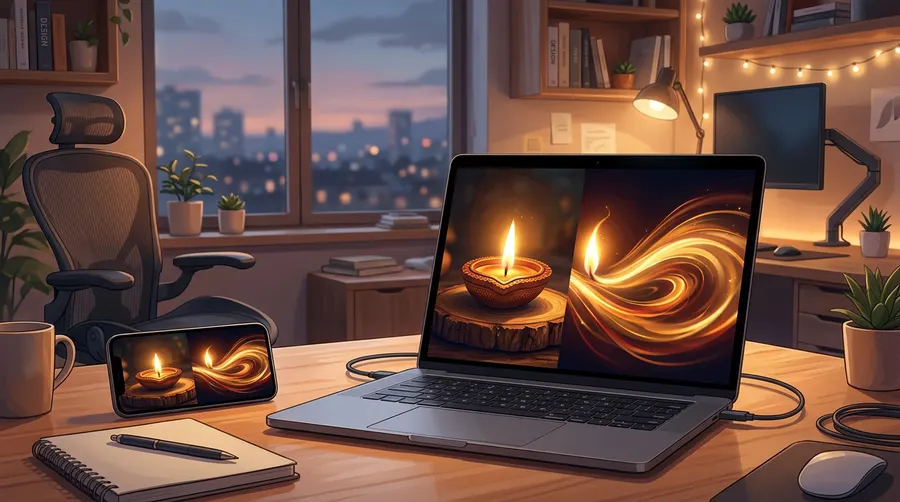
If you have a still image generated from Gemini, ChatGPT, or captured yourself, you can easily animate it into a high-quality video using Google Flow. Powered by Google’s advanced Veo 3.1 video generation model, Google Flow’s "Frames to Video" feature lets you upload a starting frame, describe the desired movement, and render a cinematic video clip in seconds.
If you are searching for an image to video ai hindi creator guide, or simply want to master the photo to video google flow pipeline, this tutorial is for you. We will cover how to manage your credits, control camera angles, keep characters consistent, and use 8 copy-paste motion prompts optimized for diverse Indian creative needs.
What is Google Flow and how does it animate photos?
Google Flow is Google’s creative studio and AI filmmaking platform hosted at flow.google. It integrates advanced generative tools like Gemini, ImageFX, and the flagship Veo 3.1 video model into a single workspace. Unlike standard slideshow tools that simply slide static pictures across a screen, Google Flow uses AI to understand the depth, textures, and subjects of your photo, generating realistic physical motion.
The core of this process relies on the flow frames to video tool, which allows you to seamlessly animate static scenes. You can upload a single starting image (or both a starting and ending image) and write a text prompt describing the action. The Veo 3.1 engine then calculates the intermediate frames, creating a seamless, natural-looking transition.
To use Google Flow, you must be 18 years of age or older and have a verified Google account. The platform operates on a credit system. Every user receives 50 free credits daily, which refresh when you make your first generation of the day. For more intensive workflows, Google offers paid subscription tiers:
| Subscription Tier | Monthly Cost (USD) | Extra Monthly Credits | Daily Free Credits | Max Resolution | Best For |
|---|---|---|---|---|---|
| Free Tier | $0 | None | 50 | 720p / 1080p | Beginners & casual testing |
| Google AI Plus | $4.99 | 200 | 50 | 1080p upscaling | Occasional creators |
| Google AI Pro | $19.99 | 1,000 | 50 | 1080p / 4K upscaling | Regular solo creators |
| Google AI Ultra | $99.99 to $199.99 | 10,000 to 25,000 | 50 | Native 4K | Professional studios |
Credit Cost Per Video Generation
- Veo 3.1 Lite: Costs 10 credits (5 credits for Ultra subscribers).
- Veo 3.1 Fast: Costs 20 credits (10 credits for Ultra subscribers).
- Veo 3.1 Quality: Costs 100 credits for all users (no subscriber discount).
Note: Since the daily free limit is 50 credits and credits do not roll over, you cannot generate a Veo 3.1 Quality video on the free tier alone. You will need a paid subscription to access the Quality model.
Step-by-Step Guide to Convert Photo to Video
To turn your static image into a moving scene, follow these step-by-step instructions:
Step 1: Open Google Flow
Go to flow.google on your desktop browser for the most powerful editing suite. If you prefer creating on your phone, download the official Google Flow app from the Google Play Store (Android 12 or above is required) or the Apple App Store.
Step 2: Set Up the Canvas and Model
In your project dashboard, choose your desired aspect ratio. For social media platforms like Instagram Reels or YouTube Shorts, select 9:16 (Portrait). For standard video projects, select 16:9 (Landscape). Next, choose your model from the settings panel (Veo 3.1 Fast is recommended for balanced speed and quality).
Step 3: Upload Your Starting Frame
Click on the image upload icon in the generation panel. Drag and drop your image into the "First Frame" box.
- Crucial Rule: Only use fictional AI-generated images (from Gemini or ChatGPT) or photos for which you have explicit, documented consent. Do not upload photos of real people, public figures, or copyrighted materials.
Step 4: Add an Optional Ending Frame
If you want the video to end on a specific composition, upload a target image into the "Last Frame" box. This forces the Veo 3.1 engine to bridge the gap between the two images seamlessly, giving you precise control over the narrative arc.
Step 5: Write Your Motion Prompt
In the text box, describe the movement you want to see. Do not re-describe the entire image; instead, focus on the actions, environmental changes, and camera behavior. For example, instead of writing "a cup of tea on a table," write: "Steam gently rises from the hot cup of tea as the camera slowly zooms in."
Step 6: Adjust Camera Controls and Generate
Use the manual camera control sliders to set the motion strength, pan direction, or zoom speed. When you are satisfied, check the credit cost on the generate button and click it. The generation will run in the background, and you will receive a notification when your video clip is ready.
Keeping Faces Stable and Characters Consistent
One of the biggest challenges in AI video generation is "drift," where human faces or objects warp and morph into different shapes after a few seconds. To keep your subjects stable, use these three strategies:
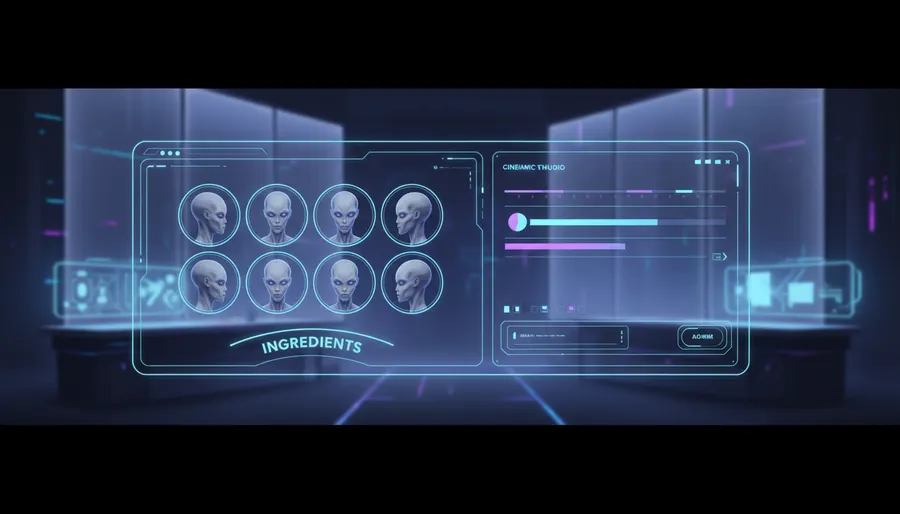
- Use the "Ingredients" Feature: Google Flow allows you to upload reference assets called "Ingredients". If you are creating a narrative sequence with a recurring character, upload 2 to 3 reference images of the character's face from different angles into the Ingredients panel. This locks the facial features across multiple generated clips.
- Anchor with First and Last Frames: Providing both a starting and ending frame keeps the AI from wandering creatively. It anchors the beginning and end of the motion, ensuring the face remains recognizable.
- Keep Motion Prompts Subtle: High motion values can distort human faces. Keep camera movements slow and focus the text prompt on small, natural gestures (e.g., "the person slowly blinks and smiles at the camera").
8 Copy-Paste Motion Prompts for Google Flow
Here are 8 highly optimized motion prompts designed for Indian creators. Copy and paste these into Google Flow's prompt box after uploading your reference image.
1. Portrait (Close-up animation)
Cinematic close-up. The subject slowly blinks, a soft and subtle smile spreads across their face. Warm ambient lighting shifts slightly, casting gentle shadows. Slow-motion, highly detailed, steady camera.
2. Product Showcase (E-commerce ad style)
Studio lighting. The camera does a smooth, slow 360-degree orbit around the product. Soft light reflections glide across the surface of the item. Clean, professional, high-end commercial style.
3. Festival Diya (Traditional Indian vibe)
Warm golden hour. The flame of the clay diya flickers gently in a soft breeze. Tiny sparks rise and fade into the dark background. The camera slowly dollys in, creating a beautiful bokeh effect with the background lights.
4. Food & Beverage (Cinematic steam and pour)
Macro shot. Hot steam rises slowly in swirling patterns from the freshly prepared dish. The camera slowly pans horizontally across the food, highlighting the rich textures and glistening spices. Mouth-watering, slow-motion.
5. Landscape (Himalayan valley aerial shot)
Cinematic drone shot. The camera slowly sweeps forward over the lush green valley. Light mist drifts gently between the pine trees. Golden sunlight pierces through the clouds, illuminating the mountain peaks in the distance.
6. Fashion & Apparel (Sari/Sherwani showcase)
Elegant studio setting. The camera slowly pans up from the intricate embroidery of the fabric to the full garment. The fabric sways gently as if touched by a light breeze, catching the soft studio spotlights. High-fashion cinematic.
7. Abstract / Sci-Fi (Neon-lit cyberpunk street)
Low-angle tracking shot. Raindrops fall slowly, creating ripples in glowing puddles on the asphalt. Neon lights flicker and reflect off wet surfaces. The camera slowly glides forward through the atmospheric, misty street.
8. Interior Design (Modern Indian living room)
Slow, cinematic pan from left to right. Soft afternoon sunlight streams through the large window, illuminating the room. Dust motes dance gently in the light beams. Cozy, elegant, architectural portfolio style.
Troubleshooting Common Errors in Google Flow
If your generated video does not look right, use these quick fixes to correct the output:
- Warped or Distorted Faces: If a face looks unnatural, lower the "Motion Strength" slider in the settings panel. You can also add terms like
steady cameraorslow-motionto your prompt to prevent violent movements that cause distortion. - AI Ignores Your Prompt: Google Flow prioritizes words written at the very beginning of the text box. If the AI is ignoring a specific movement, move that instruction to the first sentence of your prompt.
- "Generation Failed" Error: This often occurs if your starting image triggers Google’s safety filters (e.g., containing public figures, copyrighted logos, or sensitive content). Ensure you only use fictional or own-consent photos.
- Running Out of Credits: If you are on the free tier and run out of your 50 daily credits, you can switch to using the Veo 3.1 Lite model for your drafts, which only costs 10 credits per generation, allowing you to test more concepts before committing to a final render.
FAQ
Is Google Flow completely free to use?
Google Flow offers a free tier that gives every account 50 credits daily. However, to access the advanced Veo 3.1 Quality model (which costs 100 credits per clip) or to avoid generation pauses during peak hours, you will need a paid Google AI subscription (Plus, Pro, or Ultra).
Can I upload my own photos to Google Flow?
Yes, you can upload your own photos using the "Frames to Video" feature. However, you must ensure that you own the rights to the photos or have explicit consent from any real people depicted in them. Do not upload photos of celebrities or public figures.
How do I keep human faces from morphing in the video?
To keep faces stable, use the "Ingredients" feature to upload character reference sheets, provide both a "First Frame" and "Last Frame" to anchor the transition, and keep your motion prompts subtle with low camera speed values.
What is the difference between Veo 3.1 Fast and Veo 3.1 Quality?
Veo 3.1 Fast is optimized for speed and efficiency, costing only 20 credits per generation (10 on Ultra), making it ideal for quick drafts. Veo 3.1 Quality focuses on high-fidelity details, realistic physics, and lighting, costing 100 credits per generation.