Punjabi Patiala Suit AI Photo Prompts for Girls DP
Pawan Joshee··4 min read
Vibrant colors, gorgeous phulkari embroidery, and traditional paranda braids never go out of style. If you want to update your social media profiles with a touch of Punjabi culture, creating a customized AI avatar in a Patiala salwar suit is the perfect way to do it. You no longer need expensive photoshoots or heavy makeup to get that flawless Punjabi look for your DP.
With the power of generative AI, you can now swap your face onto highly realistic, culturally rich backdrops. From golden mustard fields to festive night settings, these curated AI prompts will help you design a stunning, high-quality Punjabi traditional avatar that looks exactly like you.
Note: Every sample image below was made by the Prompt Banao team from the exact prompt shown, using Gemini. People in the samples are AI-generated, not real. Your result will look different with your own photo.
How to use these prompts
- Select your favorite prompt from our handpicked list below and copy it.
- Open your preferred AI face-swap or image generator tool (such as Midjourney, Remaker AI, or Photoleap) and upload a clear, front-facing photo of yourself.
- Paste the copied prompt into the text input area.
- Customize the colors of the Patiala suit or change the background setting in the prompt text to match your preference.
- Click generate and download your high-resolution traditional Punjabi DP!
1. Mustard Field Festive Punjabi Look
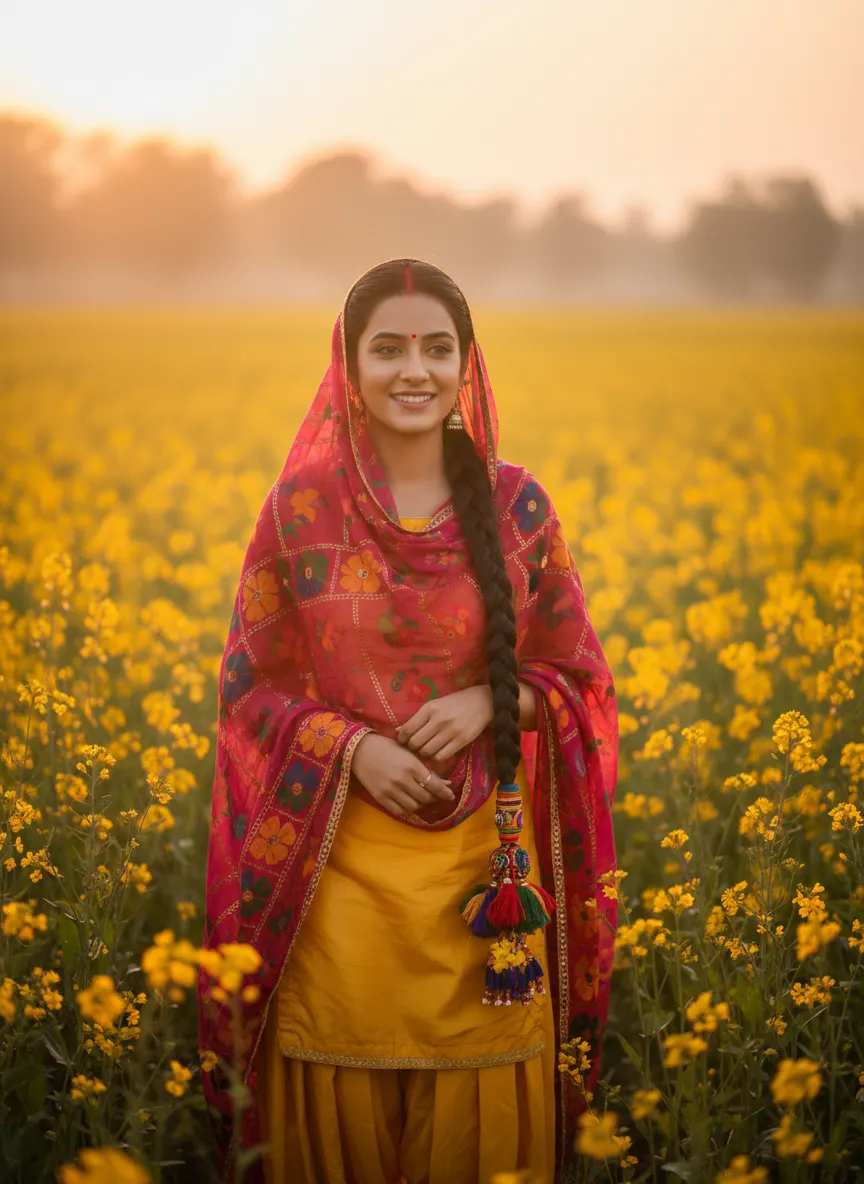
Sample made with this prompt in Gemini.
Using my uploaded photo as the reference, keep my face and features exactly the same, placing me as a Punjabi woman wearing a vibrant yellow Patiala salwar suit with an intricately embroidered magenta phulkari dupatta. My hair is styled in a long traditional braid with a colorful paranda at the end. I am standing in a blooming golden mustard field under soft sunset lighting, smiling gently. Shot on a 85mm lens, shallow depth of field, warm color grading, cinematic and joyful mood, 3:4 aspect ratio.
Tip: Ensure your uploaded photo has clear lighting on your face so the AI can blend it smoothly with the sunset glow.
2. Royal Haveli Swing Portrait
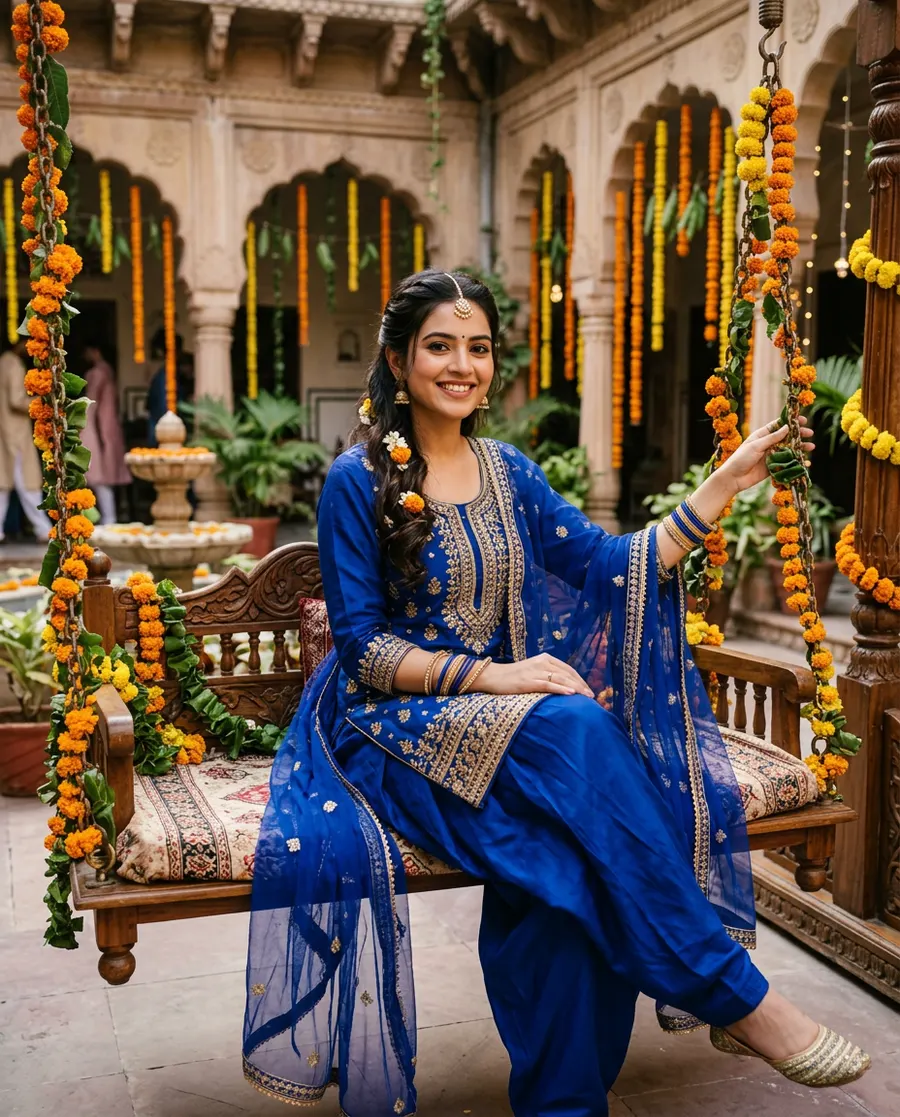
Sample made with this prompt in Gemini.
Using my uploaded photo as the reference, keep my face and features exactly the same, depicting me as a Punjabi woman wearing a royal blue silk Patiala suit with gold zari embroidery and a matching net dupatta. I am sitting gracefully on a wooden swing decorated with marigold flowers in a traditional haveli courtyard. Soft morning daylight illuminates the scene. Deep depth of field, rich color palette, cheerful and elegant mood, shot on 50mm lens, 4:5 aspect ratio.
Tip: For a realistic swing pose, upload a photo where you are looking straight or slightly smiling.
3. Festive Night Fairy Lights DP
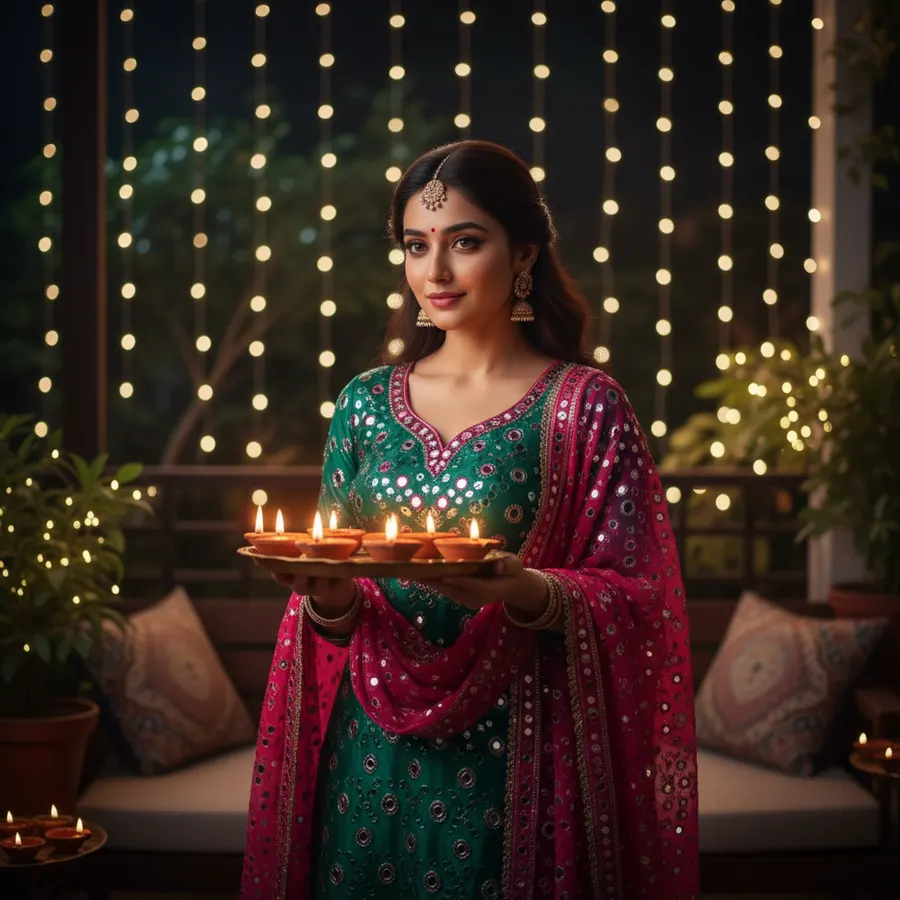
Sample made with this prompt in Gemini.
Using my uploaded photo as the reference, keep my face and features exactly the same, showing me as a Punjabi girl in an emerald green and hot pink Patiala suit decorated with delicate mirror work. I am holding a traditional brass plate with glowing clay diyas. The background is a cozy home veranda decorated with twinkling fairy lights at night. Warm bokeh effect, dramatic lighting, festive and peaceful mood, shot on 35mm lens, 1:1 aspect ratio.
Tip: This prompt works best for a WhatsApp DP with a 1:1 square ratio. Use a front-facing selfie.
4. Punjabi Mela Traditional Avatar
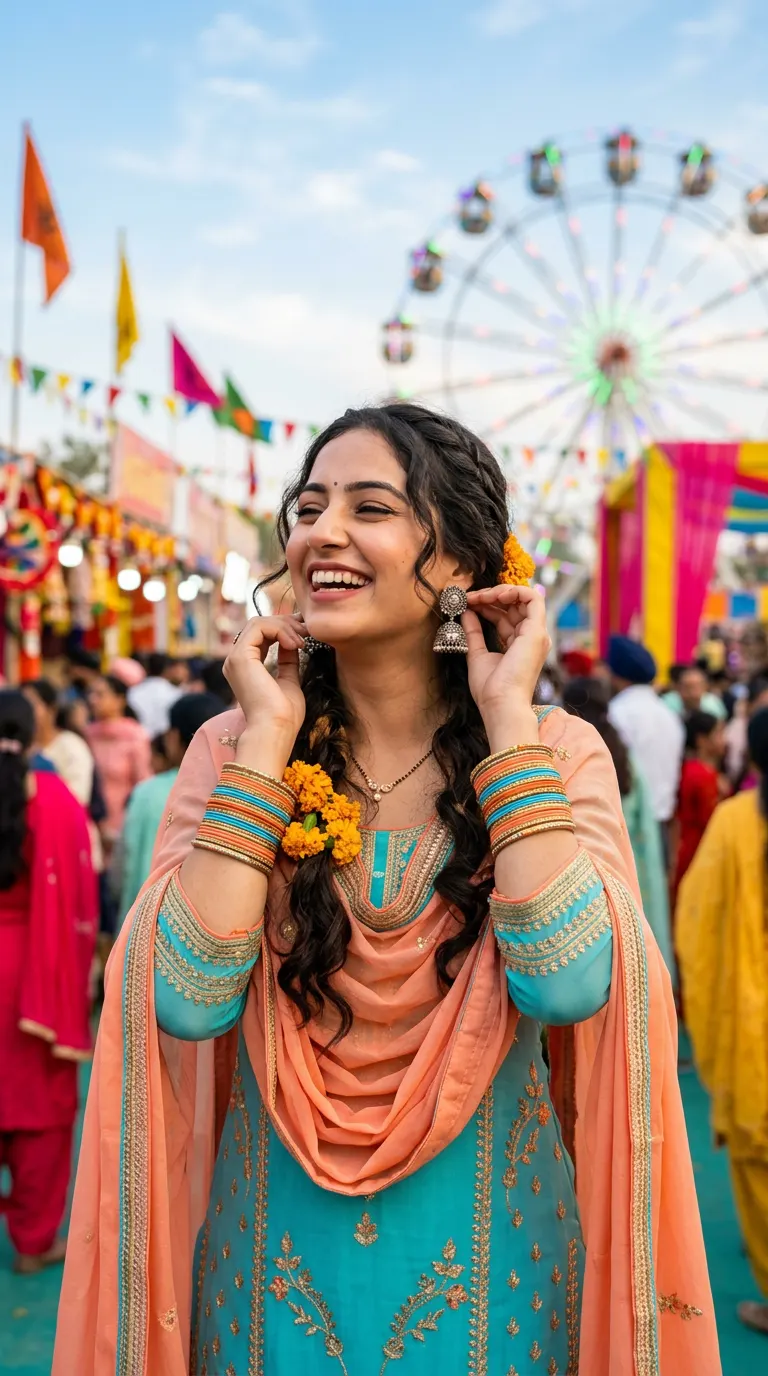
Sample made with this prompt in Gemini.
Using my uploaded photo as the reference, keep my face and features exactly the same, presenting me as a joyful Punjabi woman in a peach and turquoise georgette Patiala suit. I am wearing traditional silver jhumkas and colorful glass bangles, gently touching one earring. The background is a vibrant Punjabi festival fair with colorful flags and a soft-focus ferris wheel. Bright daytime lighting, vivid color grading, energetic and happy mood, shot on 85mm lens, 9:16 aspect ratio.
Tip: A portrait with your hair partially open or in a neat braid works brilliantly with this festive, outdoor look.
Frequently asked questions
Do these prompts work on free AI image generators?
Yes! You can use these prompts on free and freemium AI platforms like Bing Image Creator, Copilot, or specialized face-swap tools.
How do I ensure the AI matches my face accurately?
Always upload a high-quality, front-facing selfie with neutral lighting. Avoid using photos with heavy filters, sunglasses, or angled poses.
Can I change the color of the Patiala suit in these prompts?
Absolutely. You can easily edit color keywords (like 'yellow', 'royal blue', or 'emerald green') to your favorite shades before generating.