Diwali Rangoli & Diya Lighting AI Prompts for Girls
Pawan Joshee··4 min read
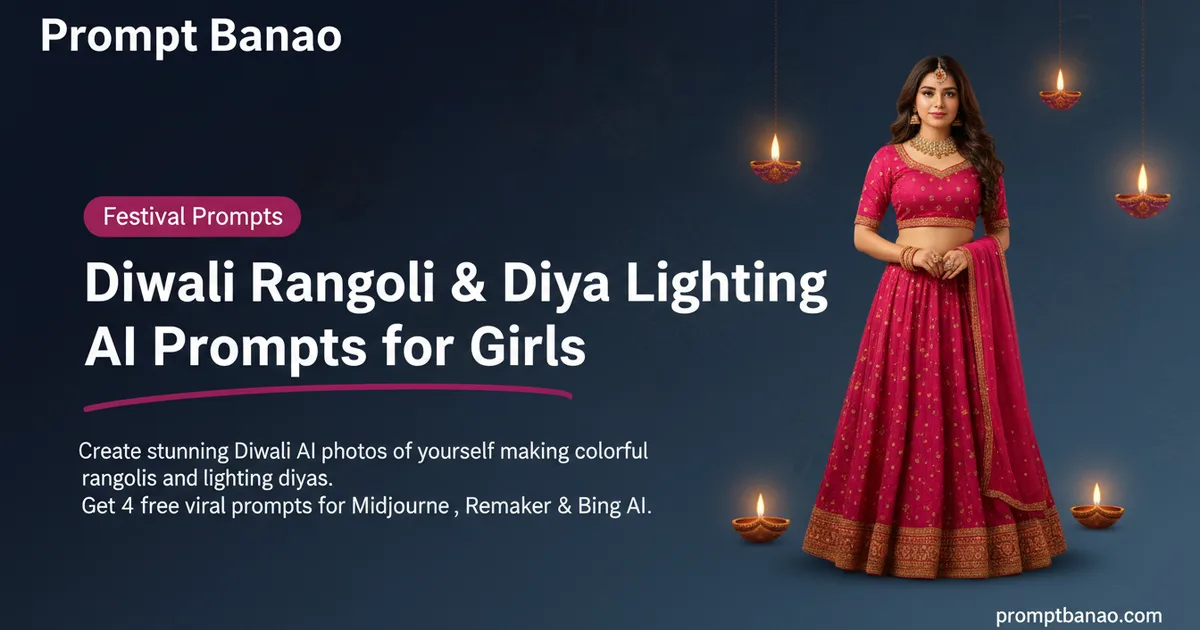
Diwali is the perfect time to share beautiful festive moments on social media, but capturing that perfect aesthetic shot amidst the holiday rush can be tough. That is why AI-generated festive portraits are trending like crazy this year. Girls across India are using smart AI tools to create gorgeous, high-quality images of themselves creating vibrant rangolis and lighting traditional diyas without the hassle of a professional photoshoot.
In this guide, we have curated four highly creative and tested AI photo prompts designed specifically for girls. Whether you want a traditional courtyard look or a modern balcony vibe, these prompts will help you generate stunning, realistic festive photos using your own face. Simply copy the prompts below, upload your photo to your favorite AI face-swap tool, and light up your social feed this festive season!
Note: Every sample image below was made by the Prompt Banao team from the exact prompt shown, using Gemini. People in the samples are AI-generated, not real. Your result will look different with your own photo.
How to use these prompts
- Choose your favorite Diwali prompt from the options below and copy the English text.
- Open a free AI face-swap or image-generation tool like Remaker AI, Bing Image Creator, or Midjourney.
- Upload a clear, front-facing photo of yourself with good lighting for the face reference.
- Paste the copied prompt into the text box and hit generate to watch the magic happen.
- Download your beautiful, customized Diwali photo and share it on Instagram or WhatsApp!
1. Vibrant Courtyard Rangoli Creation
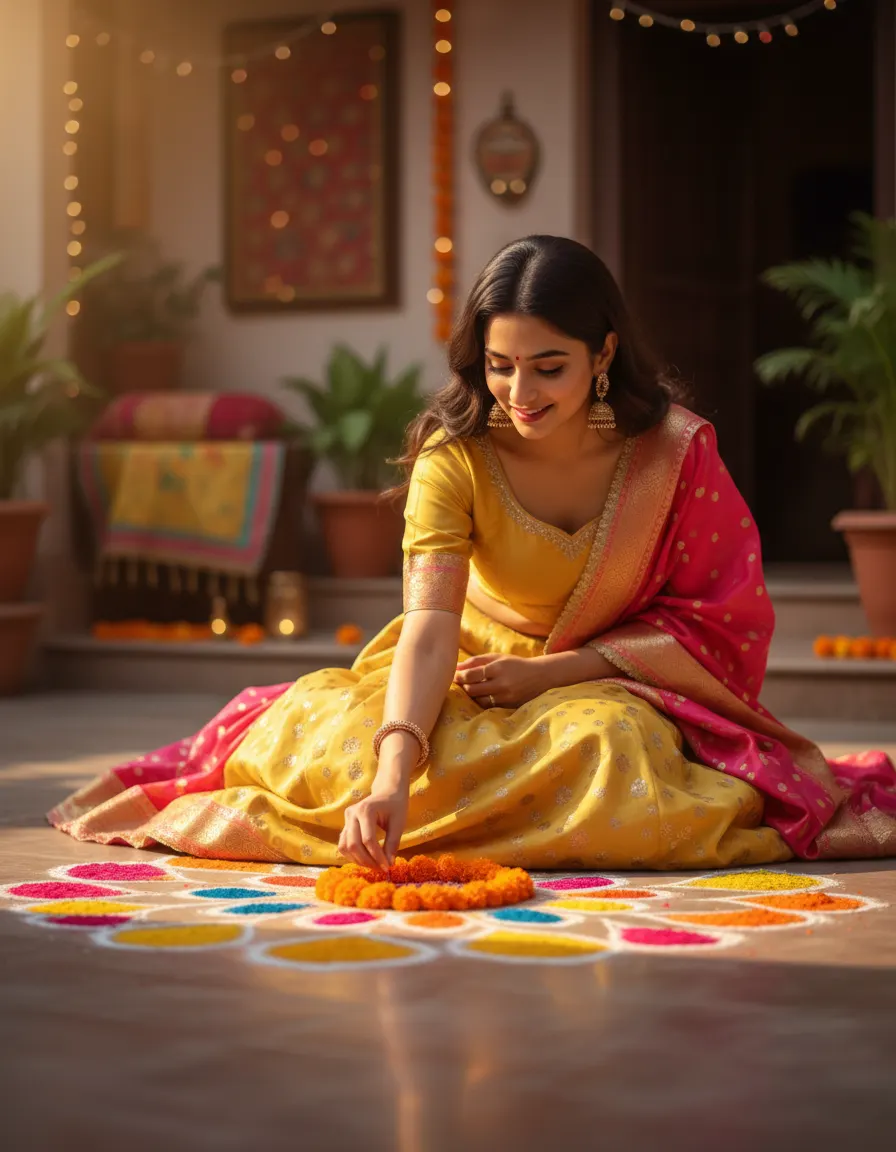
Sample made with this prompt in Gemini.
Using my uploaded photo as the reference, keep my face and features exactly the same, depicting me as a young Indian woman sitting on a traditional stone courtyard floor, carefully arranging a colorful marigold and powder rangoli. I am wearing a bright yellow and pink silk lehenga. Warm golden hour sunlight filters in, highlighting the vibrant rangoli powders. Shot with a 50mm lens, f/1.8, creating a soft, blurred background of a decorated home. Festive, joyful mood, highly detailed, 4:5 aspect ratio.
Tip: Ensure your uploaded photo has clear lighting on your face so the AI can match the golden hour glow perfectly.
2. Elegant Evening Diya Lighting
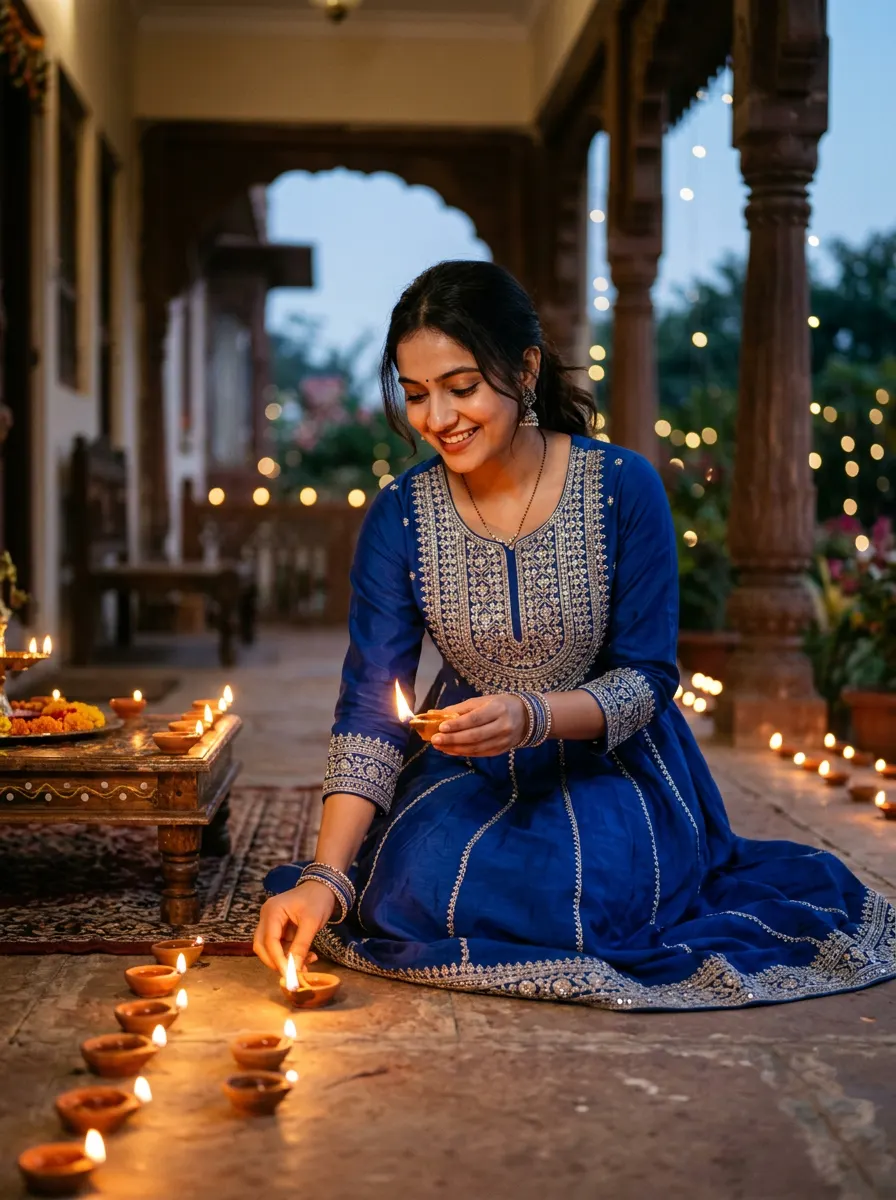
Sample made with this prompt in Gemini.
Using my uploaded photo as the reference, keep my face and features exactly the same, showing me as a young Indian woman kneeling on an elegant veranda at dusk, lighting clay diyas. I am wearing a royal blue Anarkali suit with silver zari embroidery. The scene is illuminated by the warm, flickering glow of multiple diyas, casting soft shadows on my face. Cinematic lighting, shot on 85mm lens, shallow depth of field, warm color grading, serene festive mood, 3:4 aspect ratio.
Tip: Wear a dark or deep-colored outfit in your reference photo to contrast beautifully with the warm orange light of the diyas.
3. Modern Balcony Festive Glow
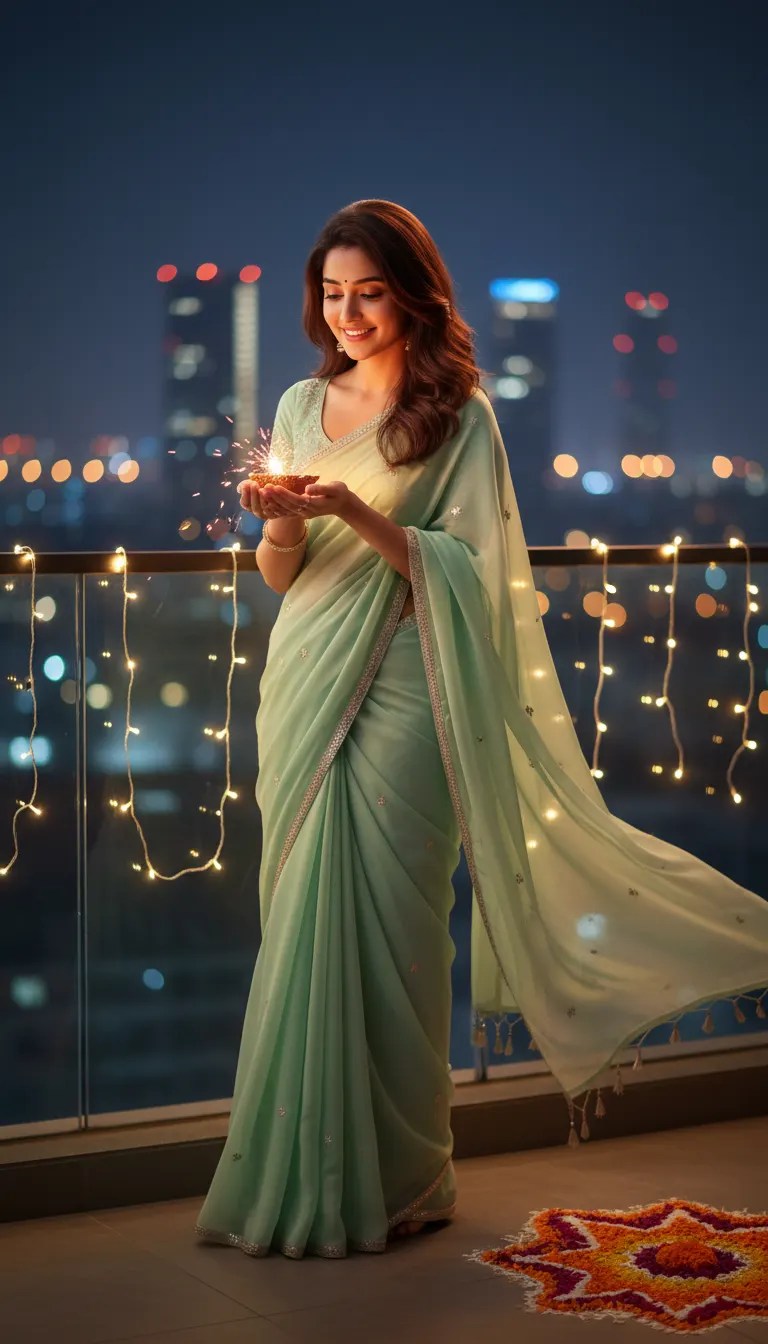
Sample made with this prompt in Gemini.
Using my uploaded photo as the reference, keep my face and features exactly the same, portraying me standing on a modern decorated balcony decorated with fairy lights and a small floral rangoli on the side. I am holding a sparkling diya in my hands, looking down at it with a gentle smile. I am wearing a pastel mint green georgette saree. Night setting, magical bokeh of city lights in the background, captured on a professional DSLR, rich colors, aesthetic and cozy mood, 9:16 aspect ratio.
Tip: Use a high-resolution portrait where you are smiling slightly to match the gentle, happy mood of this prompt.
4. Royal Entrance Diwali Welcome
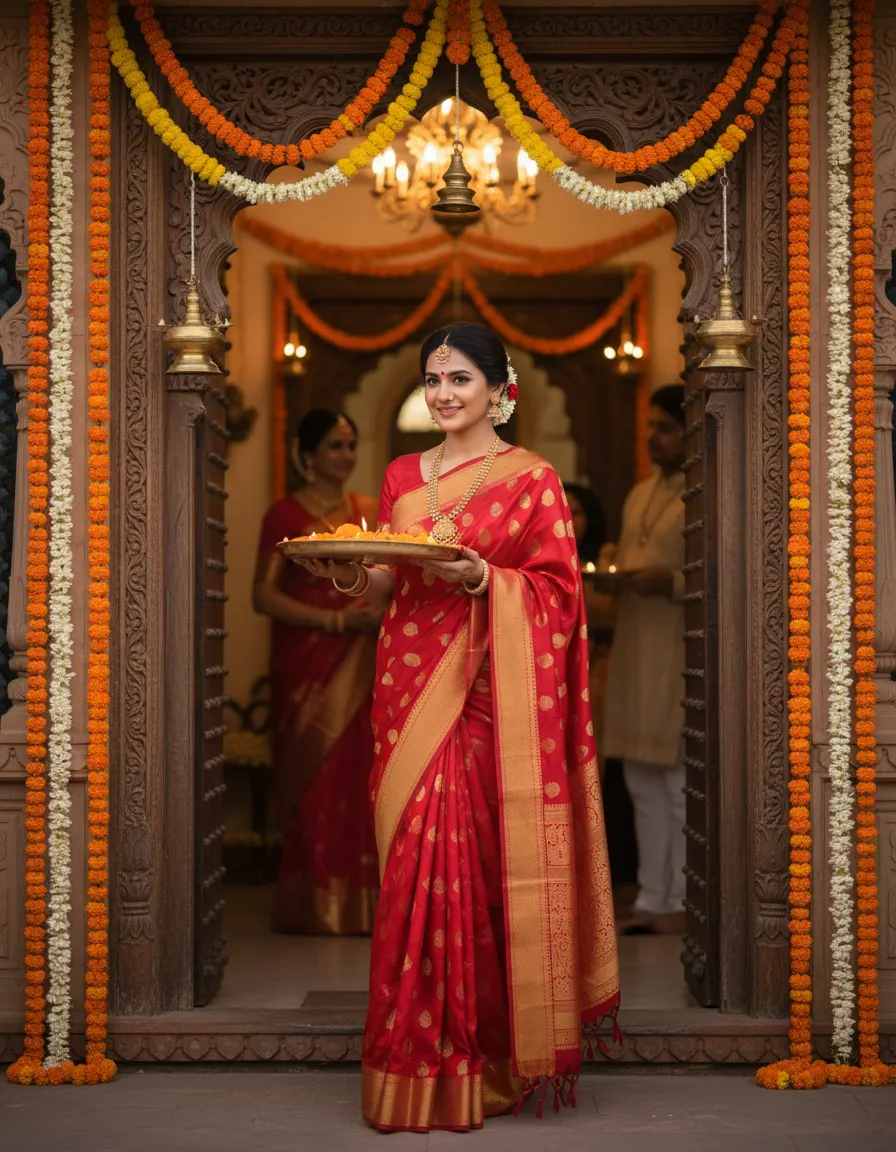
Sample made with this prompt in Gemini.
Using my uploaded photo as the reference, keep my face and features exactly the same, depicting me standing at the wooden entrance of a beautifully decorated heritage home. I am holding a brass thali filled with burning diyas and marigold petals, welcoming guests. I am wearing a rich red banarasi silk saree with gold borders and elegant traditional jewelry. Soft warm ambient lighting from hanging lanterns, cinematic depth, 35mm lens, majestic and welcoming mood, 4:5 aspect ratio.
Tip: For a majestic look, upload a photo where you are looking directly at the camera with a confident, welcoming expression.
Frequently asked questions
Which is the best free app to use these prompts?
You can use free platforms like Remaker AI or Photoleap for face-swapping, and Bing Image Creator or Leonardo AI to generate the base scenes using our sample prompts.
Will the AI make my face look completely natural?
Yes, if you use a high-quality, front-facing reference photo with neutral lighting, advanced AI tools will blend your features seamlessly into the festive scene.
Can I change the outfit colors in these prompts?
Absolutely! You can easily edit the text in the prompts to change the saree or lehenga colors, style, or background settings to match your personal taste.