Christmas Winter Bonfire Party AI Photo Prompts for Friends
Pawan Joshee··4 min read
Winter in India is incomplete without a warm, crackling bonfire, especially during the festive Christmas season. This year, the trend of sharing cozy, aesthetic winter holiday photos on Instagram and WhatsApp is bigger than ever. Whether you want to recreate a snowy Himachal cabin vibe or a trendy rooftop gathering in Delhi, AI photo generator tools can help you design the perfect holiday memory with your friends.
In this guide, we bring you four highly detailed, copy-paste AI prompts curated specifically for the winter season. By uploading your face reference, you can easily place yourself in these magical Christmas bonfire scenes, complete with fairy lights, stylish woolens, and warm holiday vibes.
Note: Every sample image below was made by the Prompt Banao team from the exact prompt shown, using Gemini. People in the samples are AI-generated, not real. Your result will look different with your own photo.
How to use these prompts
- Copy one of the English AI prompts provided below.
- Open your favorite AI image generator tool (like Remaker AI, Bing Image Creator, or Midjourney) that supports face-reference or face-swap features.
- Upload a high-quality, clear, front-facing photo of yourself.
- Paste the copied prompt into the text box and replace any minor details (like jacket color) if you want.
- Click generate, download your aesthetic winter photo, and share it on social media!
1. Mountain Cabin Cozy Bonfire
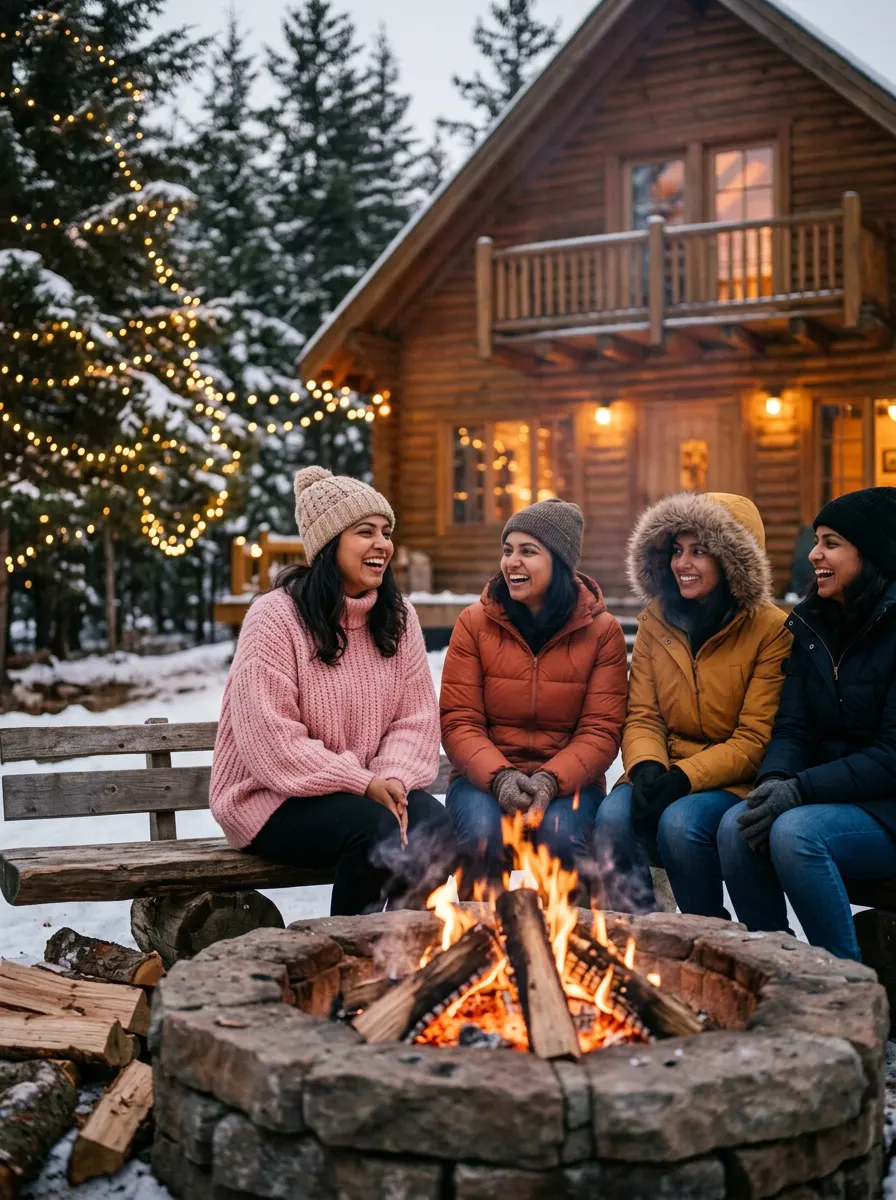
Sample made with this prompt in Gemini.
Using my uploaded photo as the reference, keep my face and features exactly the same, showing me laughing with three friends around a crackling stone bonfire outside a wooden Himachal cottage. I am wearing a thick pastel pink oversized wool knit sweater and a beanie. My friends are in stylish winter jackets. Warm fairy lights drape from the pine trees. Cinematic soft focus, golden hour embers glowing, captured on a 50mm lens, shallow depth of field, warm color grading, 3:4 aspect ratio.
Tip: Use a clear, front-facing selfie with neutral lighting for the best face-swapping results.
2. Backyard Sparkler Night
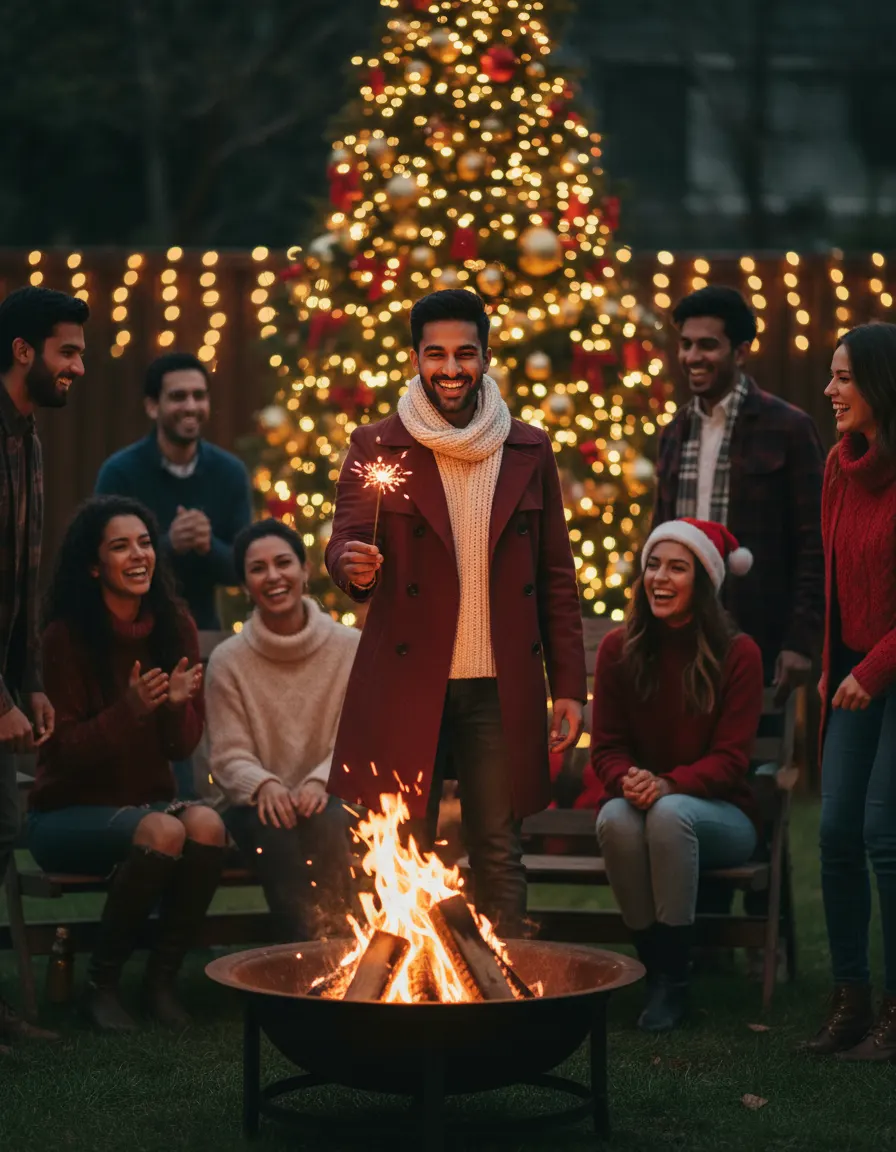
Sample made with this prompt in Gemini.
Using my uploaded photo as the reference, keep my face and features exactly the same, standing with a group of friends in a decorated backyard. I am holding a glowing sparkler, smiling brightly, wearing a stylish maroon trench coat and a cream muffler. A warm bonfire burns in a metal pit in the center. Christmas tree with warm yellow LED lights in the background. Festive, joyful mood, shot on an 85mm portrait lens, f/1.8, bokeh effect, holiday color palette, 4:5 aspect ratio.
Tip: For realistic group shots, ensure your reference photo has similar lighting to a nighttime fire scene.
3. Luxury Glamping Festive Vibe
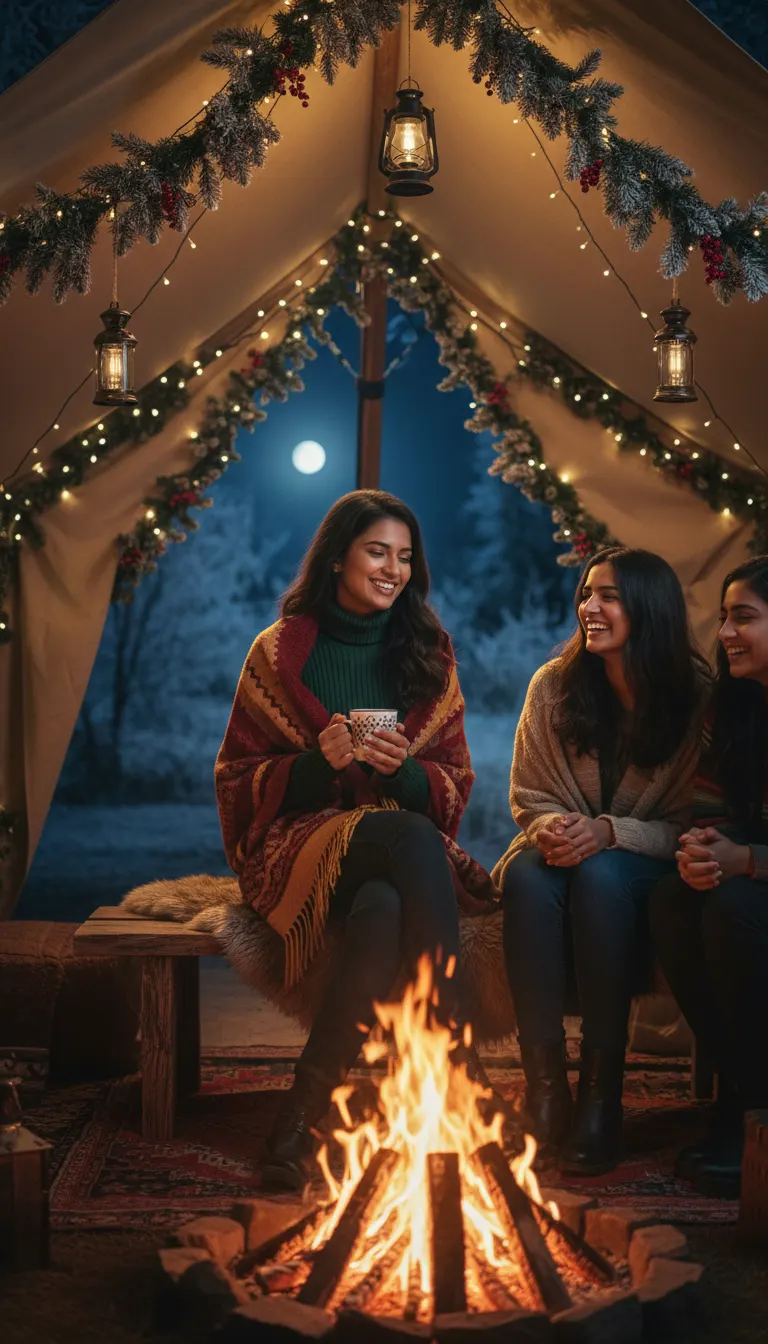
Sample made with this prompt in Gemini.
Using my uploaded photo as the reference, keep my face and features exactly the same, sitting on a wooden bench next to my friends under a bohemian glamping tent. I am holding a steaming mug of hot cocoa, wearing a dark green turtleneck and a woolen shawl. A roaring bonfire is in front of us, casting a warm orange glow on our faces. Whimsical Christmas pine garlands and lights decorate the tent. Low-light photography, cinematic, cozy, 9:16 aspect ratio.
Tip: Mention specific winter clothing colors like emerald green, maroon, or mustard to make your character stand out.
4. Urban Rooftop Bonfire Party
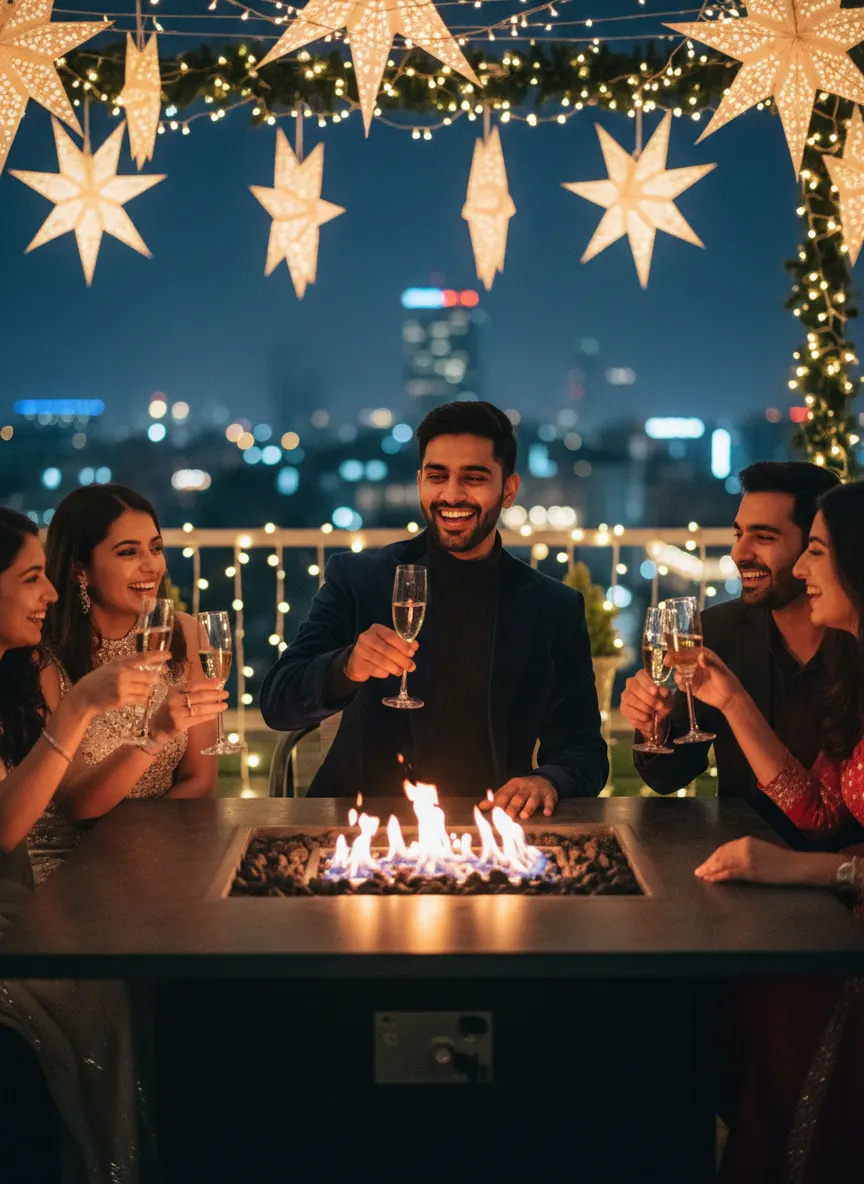
Sample made with this prompt in Gemini.
Using my uploaded photo as the reference, keep my face and features exactly the same, raising a toast with friends around a modern tabletop fire pit on a decorated Delhi rooftop. I am wearing a smart navy blue velvet blazer over a black high-neck sweater. The background features blurred city lights and glowing Christmas star lanterns. High-end aesthetic, candid laughter, shallow depth of field, cool ambient night light mixed with warm fire glow, shot on 35mm lens, 3:4 aspect ratio.
Tip: If the AI struggles with multiple faces, generate the solo character first, then use in-painting to add friends.
Frequently asked questions
Can I use these prompts for free?
Yes, many AI tools like Bing Image Creator and basic face-swap platforms offer free daily credits to generate these photos.
Will my face look natural in the final image?
Absolutely! For the best results, use a high-resolution selfie where your face is evenly lit and looking directly at the camera.
Can I generate a group photo with my real friends' faces?
Yes, some advanced AI editors allow multiple face swaps, or you can generate the scene first and swap faces individually using in-painting tools.